
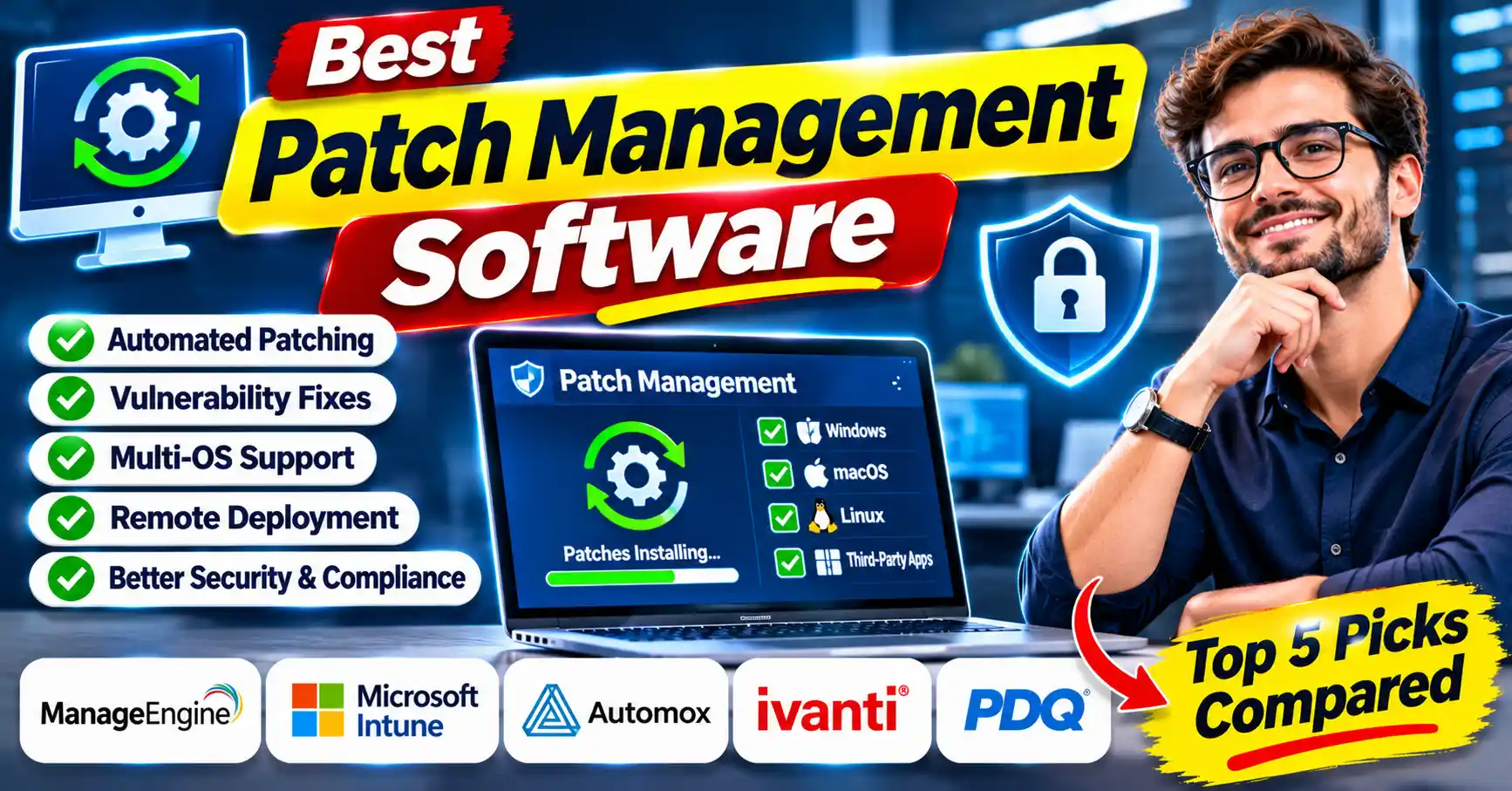
Finding the best patch management software in 2026 is no longer just an IT convenience—it’s a strict compliance necessity. With the CISA Known Exploited Vulnerabilities catalog expanding daily and zero-day exploits costing US businesses millions, relying on manual OS updates leaves your remote endpoints exposed. As an experienced systems architect, I’ve rigorously tested this year’s top platforms to help you lock down your infrastructure before vulnerabilities become breaches.
Key Takeaways
- Automation is Mandatory: Modern 2026 standards require fully automated third-party application patching to successfully pass SOC 2, CMMC, and HIPAA compliance audits.
- Expected Costs: Industry-standard paid solutions currently range from $1.00 to $4.00 per endpoint per month, heavily dependent on cloud-native vs. on-premise infrastructure.
- The Top Contenders: Automox leads for lightning-fast, cloud-native deployments, while ManageEngine Patch Manager Plus delivers the most robust value for complex, mixed-OS environments.
Quick Answer – Which Patch Management Software Is Best?
If you are an IT Director or sysadmin looking to make a rapid, data-backed decision, here is my executive cheat sheet for the top platforms in 2026:
| Patch Management Software | Best For | Estimated Starting Price (US) |
| Automox | Cloud-native, automated endpoint patching | ~$3.00/endpoint/month |
| ManageEngine Patch Manager Plus | Complex, mixed OS & 3rd-party app environments | ~$345/year for 50 computers |
| Microsoft Intune | Windows-heavy, enterprise-level Microsoft ecosystems | Included in Microsoft 365 E3/E5 |
| PDQ Connect | Agent-based patching for remote & hybrid workforces | ~$1,200/year per admin |
| Ivanti Neurons | AI-driven risk-based patch prioritization | Custom Quote Required |
Top 5 Patch Management Software Comparison Table
To give you a clear baseline, here is how the top platforms stack up against each other across critical deployment environments and core competencies.
| Software | Best Deployment | Core Strength | 3rd-Party App Support |
| Automox | Cloud-Native / Remote | Speed and zero-infrastructure setup | Excellent |
| ManageEngine | Hybrid / On-Premise | Granular control & massive app library | Outstanding |
| Microsoft Intune | Cloud (Azure AD) | Native Windows ecosystem integration | Moderate (Requires add-ons) |
| PDQ Connect | Remote Workforces | Dead-simple agent-based software deployment | Very Good |
| Ivanti Neurons | Enterprise / Complex | AI-driven risk-based prioritization | Excellent |
How We Evaluated These Patch Management Tools
In 2026, basic Windows Server Update Services (WSUS) is no longer sufficient for modern compliance. We evaluated these tools based on four strict criteria:
- Third-Party Application Patching: The ability to patch Zoom, Chrome, Adobe, and hundreds of other non-OS applications out-of-the-box.
- Remote Endpoint Visibility: How effectively the agent forces updates to off-network laptops in remote work scenarios.
- Regulatory Compliance Reporting: The ability to generate audit-ready reports for US federal frameworks.
- Time-to-Remediation: How fast critical zero-day vulnerabilities can be deployed globally.
Best Patch Management Software Reviews
ManageEngine Patch Manager Plus
ManageEngine remains a powerhouse for organizations managing complex, hybrid environments. It supports Windows, macOS, and Linux, but its true superpower is its massive repository of over 850 supported third-party applications. If you need granular deployment policies, testing rings, and rollback capabilities, Patch Manager Plus is highly customizable.
- Pros: Massive 3rd-party software catalog; automated test-and-approve workflows; available as both SaaS and on-premise.
- Cons: The interface can feel overwhelming for smaller IT teams.
Microsoft Intune
Microsoft Intune is the undisputed king of the Windows enterprise ecosystem. With the aggressive rollout of Windows Autopatch and 2026 Hotpatching capabilities, Intune allows administrators to update endpoints without forcing user reboots. It tightly integrates with Azure Active Directory (now Entra ID) and Microsoft Defender.
- Pros: Deep native integration with Windows 11; excellent conditional access policies; zero-infrastructure.
- Cons: Managing non-Microsoft third-party applications requires complex custom packaging or third-party add-ons.
Automox
Automox is purpose-built for the modern, cloud-only IT department. It requires zero on-premise servers and uses a lightweight agent to push updates to Windows, macOS, and Linux instantly. Automox relies on “Workoxes” (custom scripts) that allow you to automate almost any configuration or patch deployment across your infrastructure.
- Pros: Incredibly fast deployment; excellent cross-platform support; modern, intuitive UI.
- Cons: Scripting knowledge is required to unlock its most advanced automation capabilities.
Ivanti Neurons
Ivanti Neurons takes patch management into the predictive era. Using AI and machine learning, it correlates your infrastructure’s vulnerabilities against active threat intelligence. Instead of just patching blindly, Ivanti tells you which patches to deploy first based on real-world US cyber threat data and active exploits.
- Pros: Advanced risk-based prioritization; robust automation; excellent enterprise scaling.
- Cons: High cost of entry; lengthy implementation cycle.
PDQ Connect
Evolving from the legendary PDQ Deploy and Inventory, PDQ Connect is their cloud-native, agent-based solution designed for the remote workforce. It retains the beloved simplicity of PDQ but eliminates the need for VPNs to push software and patches to off-network laptops.
- Pros: Extremely easy to learn and use; highly reliable deployments; agent-based for off-network devices.
- Cons: Currently lacks some of the hyper-granular enterprise reporting found in heavier tools.
Read This Also : Top Cybersecurity Software for Business in 2026
Detailed Feature Comparison
When choosing the right system, feature parity is essential. Here is a direct look at the technical capabilities:
| Feature | ManageEngine | Microsoft Intune | Automox | Ivanti Neurons | PDQ Connect |
| OS Support | Win, Mac, Linux | Win, Mac, Linux, Mobile | Win, Mac, Linux | Win, Mac, Linux | Windows (Primary) |
| Automated 3rd-Party | Yes (Built-in) | Complex (Add-ons needed) | Yes | Yes | Yes |
| Vulnerability Scanning | Yes | Yes (Defender req) | Yes | Advanced (AI) | Basic |
| Deployment Model | Cloud & On-Prem | Cloud | Cloud | Cloud & On-Prem | Cloud |
Patch Management Software Pricing Comparison
Pricing models in 2026 have largely shifted to per-endpoint, per-month SaaS subscriptions, though perpetual on-premise licenses still exist for highly secure air-gapped environments.
- Automox: Starts around $3.00/endpoint/month.
- ManageEngine: Ranges from roughly $345/year for 50 endpoints (On-Prem) to $415/year (Cloud).
- PDQ Connect: Typically priced per administrator (approx. $1,200/year/admin) rather than per endpoint, making it highly cost-effective for large fleets managed by small teams.
Free vs Paid Patch Management Software
When evaluating free vs paid patch management software, the hidden cost is always labor. Free tools like WSUS (Windows Server Update Services) are capable of updating Microsoft products, but they are notoriously brittle and lack native 3rd-party patching. Open-source solutions exist, but require constant maintenance. Paid solutions offer automation, pre-tested application catalogs, and audit-ready reporting out of the box, saving sysadmins hundreds of hours annually.
How to Choose the Right Patch Management Tool
Selecting the right tool depends heavily on your workforce distribution and OS mix. If your staff is 100% remote, a cloud-native agent like Automox or PDQ Connect is critical so you aren’t reliant on unstable VPN connections. If you have strict federal compliance requirements and an on-premise footprint, ManageEngine or Ivanti are better equipped.
Benefits of Automated Patch Management
The benefits of automated patch management extend far beyond just closing security gaps.
- Dramatically Reduced Attack Surface: Automating zero-day patch deployments prevents ransomware.
- Guaranteed Compliance: Automated platforms provide the exact historical logs required to satisfy strict US regulatory auditors.
- Reclaimed IT Labor: Eliminating manual packaging and deployment frees up expensive IT talent for strategic projects.
Frequently Asked Questions
What is the best patch management software in 2026?
Automox and ManageEngine lead the market in 2026 due to their rapid deployment capabilities and robust third-party application catalogs. The absolute best choice depends entirely on whether you need a purely cloud-native agent for remote workers or complex on-premise compliance controls.
What is the best free patch management software?
Windows Server Update Services (WSUS) remains the standard free option for native Microsoft environments, though it severely lacks third-party application support. For modern open-source or freemium alternatives, vendors like Action1 offer robust free tiers for your first 100 endpoints, making them ideal for bootstrapped IT budgets.
Which patch management tool is best for small businesses?
PDQ Connect is widely considered the best solution for small businesses due to its legendary ease of use and agent-based deployment. It allows lean IT teams to fully automate remote patching without requiring expensive infrastructure, VPNs, or dedicated compliance servers.
Is Microsoft Intune good for patch management?
Yes, Microsoft Intune is exceptionally good for patch management if your organization operates strictly within a Windows and Azure AD ecosystem. However, to achieve comprehensive compliance, you will likely need custom packaging or third-party add-ons to effectively patch non-Microsoft applications across your fleet.
How much does patch management software cost?
In 2026, most enterprise-grade cloud patch management software costs between $1.00 and $4.00 per endpoint per month. Traditional on-premise solutions still offer annual or perpetual licensing models, which typically start around $350 per year for a small fleet of 50 computers.
Final Verdict – Which Tool Should You Choose?
Securing your infrastructure against zero-day exploits requires moving past manual updates and embracing strict automation. Choosing the right patch management software ultimately comes down to your workforce distribution and OS environment.
Expert Verdict: If your company is heavily remote and you need rapid, cloud-native deployments without on-premise servers, I highly recommend Automox for its speed and simplicity. If you manage a complex, highly regulated hybrid environment with a massive catalog of third-party applications, ManageEngine Patch Manager Plus provides the granular control necessary to pass strict US compliance audits.